How it works?
Learners and team members use Mobixa mobile app to experience gamified microlearning contents.
Instructors and managers use Mobixa's admin panel to control and manage microlearning environment.
Just follow the easy three steps below. Within minutes, your new journey is ready.
1
Select activity target
To create a new activity, first choose the one that best suits your purpose from the three activity types.
2
Create content with Ai
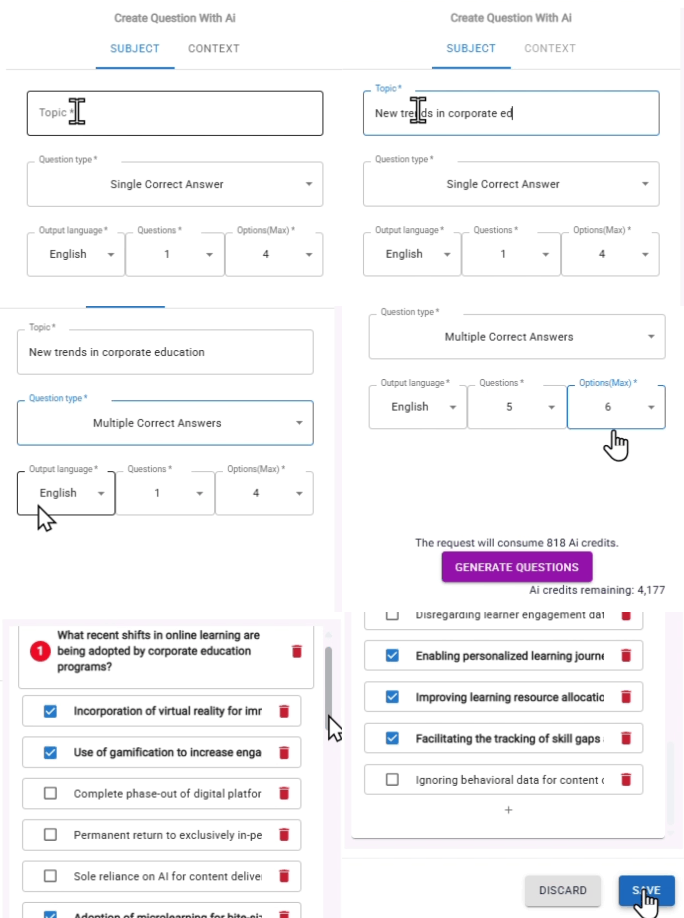
Content means the learning material like text, picture and video. The Q&A list is also another important part of contents in Mobixa.
Use our ready-made content or let Ai creates it for you. If you have existing contents from the previous trainings, you can import.
3
Assign to learners
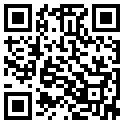
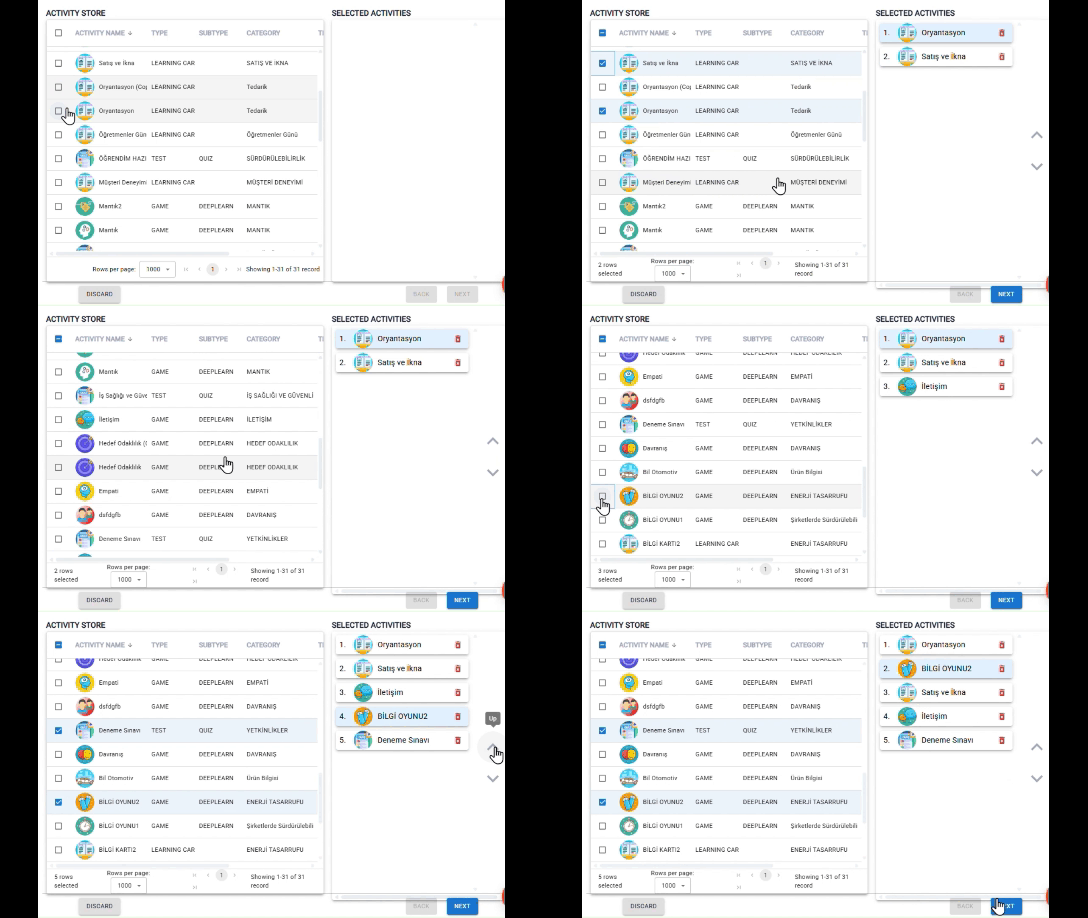
Create a journey covering various activities and assign it to groups or individuals. If you prefer, your Journey can be publicly accessible via QR-code.
4
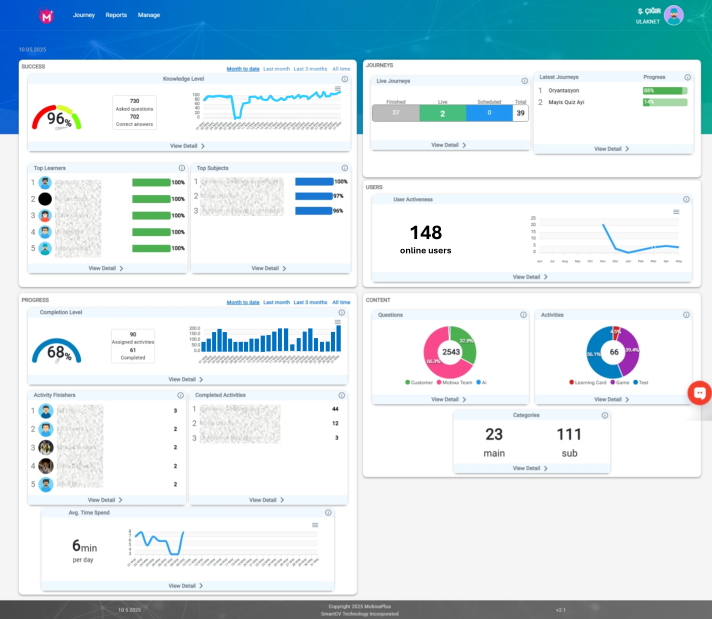
Monitor learning & development
Track and monitor the results. Use dashboards, detailed reports and graphics to pursue the engagement and to learn the knowledge level.